Platform
Services
Solutions
Resources
Company
In this article we will talk about how automation through Python script can be a great ally in this security requirements analysis process.
The process of security requirements analysis can be an arduous task. In this article we will see how automation through Python scripting can be a great ally in this process.
We will also address how to get information from the Conviso Platform API and show how to automatically validate requirements from a "requirements analysis" on the Conviso Platform against vulnerabilities already found in assets related to these requirements. This process brings a lot of agility in analyzing threat modeling for assets that are already in the developmental pipeline.
It's a very useful tip for security champions, developers, security analysts, and ethical hackers - anyway, for anyone who is validating application security requirements. The main advantage is the optimization of manual analysis work by reducing the number of automatically validated requirements. What is required for this process:
For the purposes of this article, we will use the validation of the analysis generated by threat Modeling or even the threat analysis of threats. Are you ready?
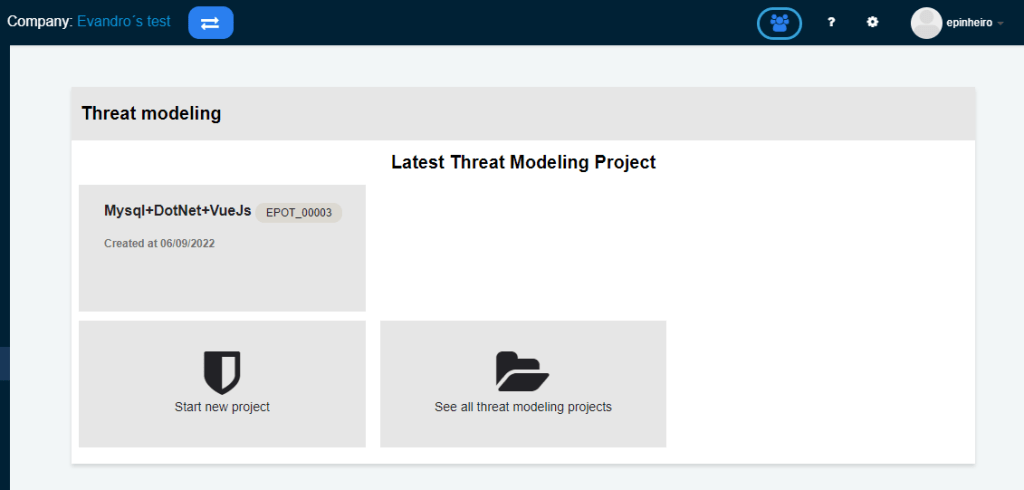
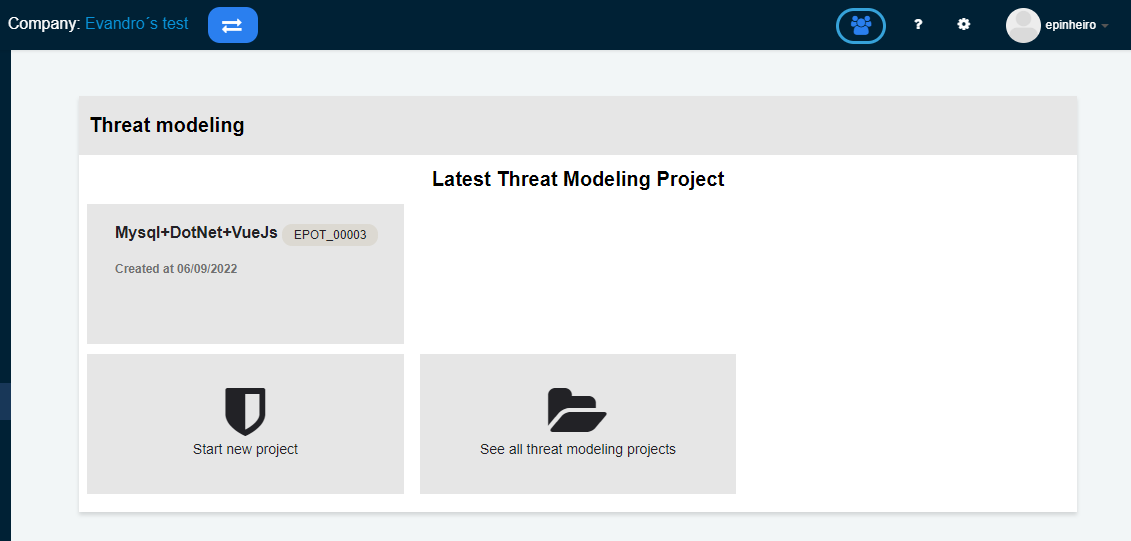
At this point, we need to understand the context of this automation. Let's start with a scenario in which we have an operational application and carry out a threat modeling that generates security requirements for this application.
Next, we'll address threat modeling as the source of security requirements. Then, I will explain the origin of the vulnerabilities, so that we can perform the requirements analysis in an automated way, comparing them with the vulnerabilities found in the assets in scope.
What are security requirements?
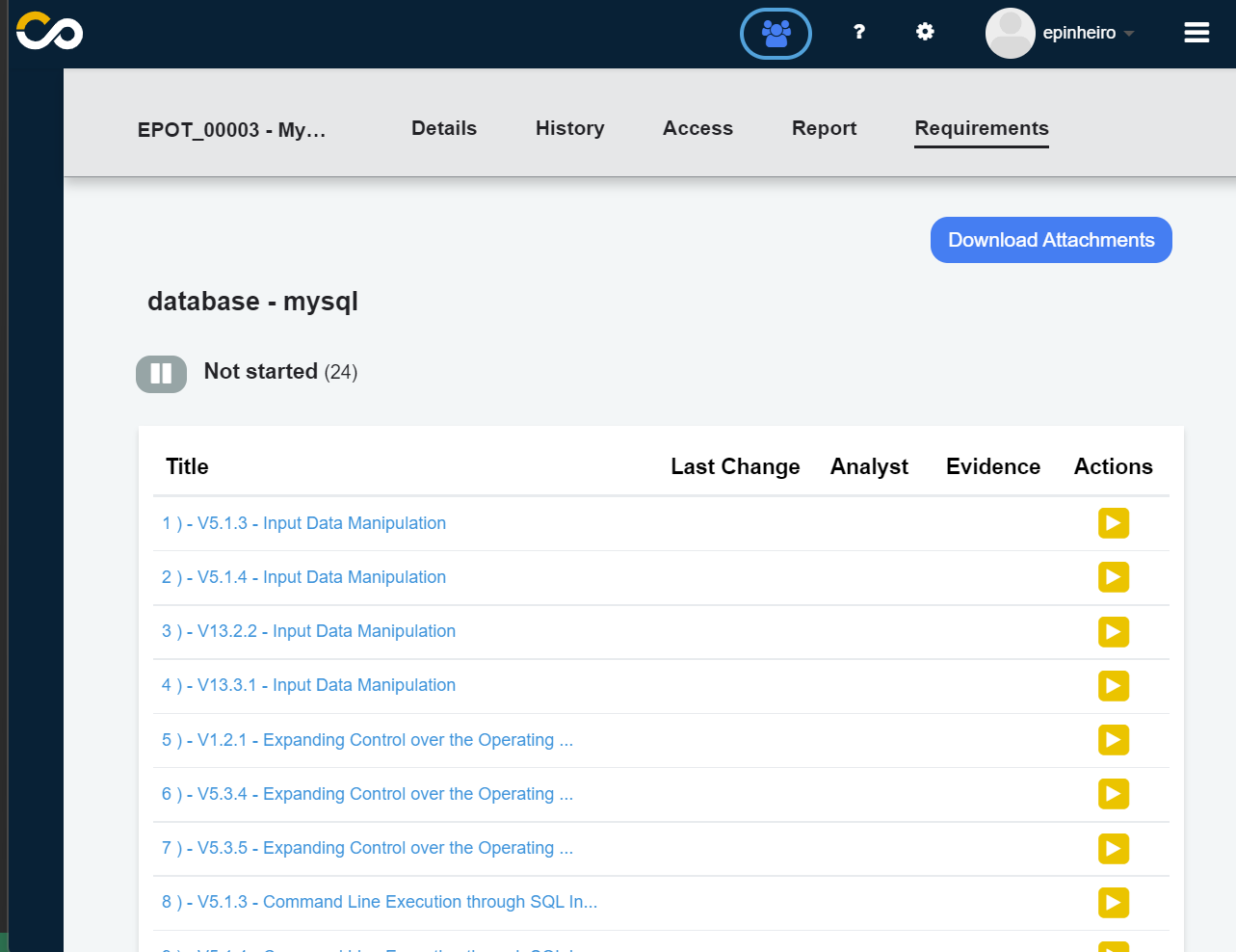
Security requirements often come from Threat Modeling. Secure by Design - a product within Conviso Platform - supports security analysts in threat modeling, automatically generating requirements according to the attack pattern (Miter CAPEC) combined with the architecture item.
The result is a project (a Threat Modeling type of Project) with specific security requirements for the architecture items defined in the modeling.
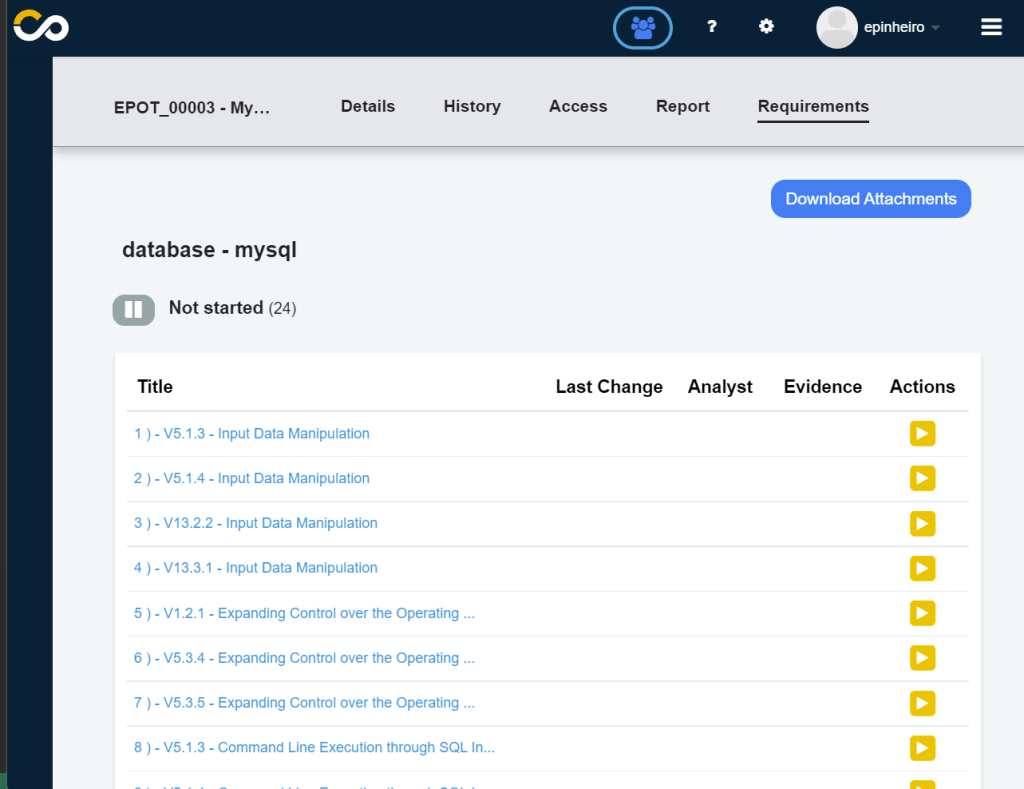
It's important to mention that the generated requirements are based on ASVS.
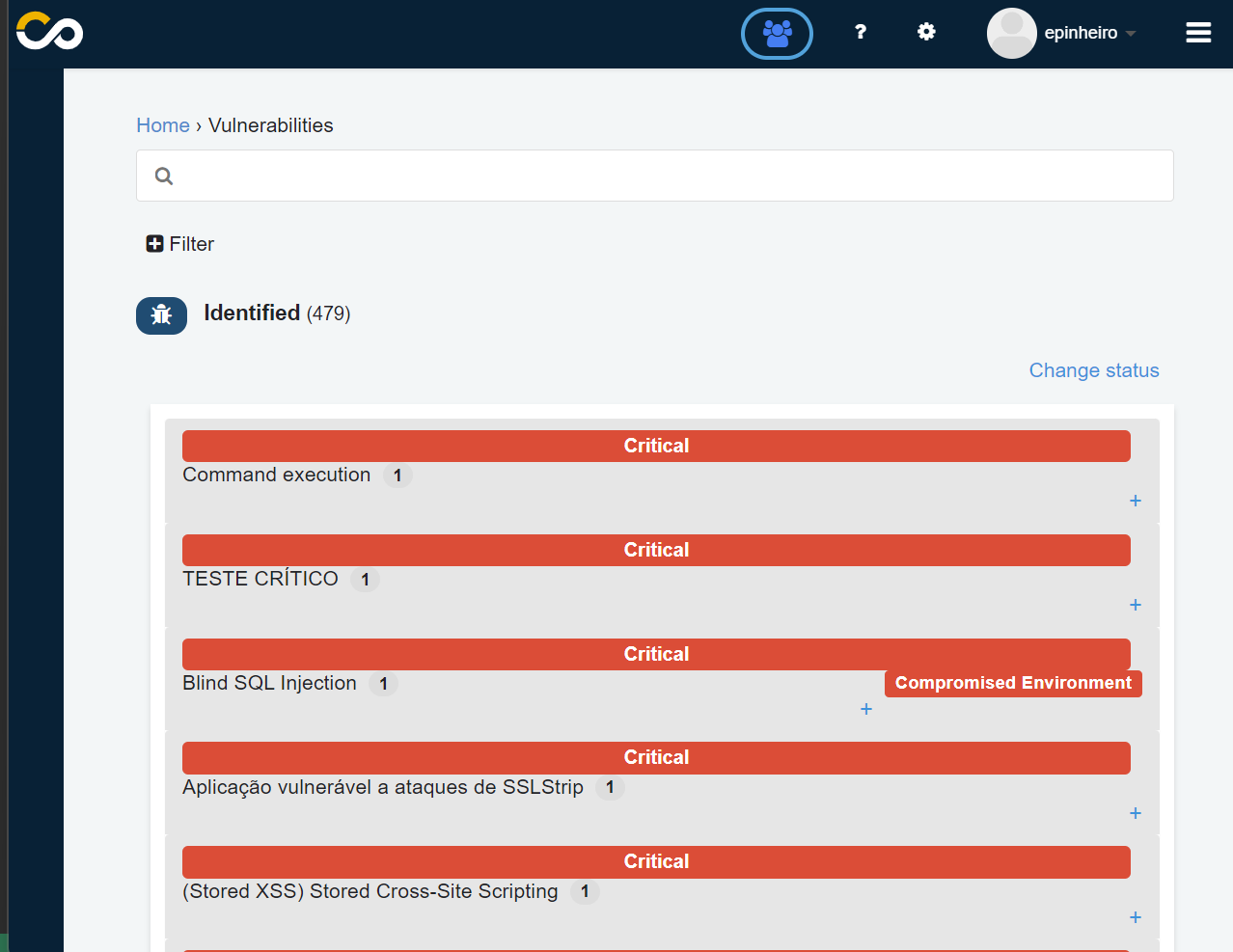
Vulnerabilities can come from a variety of sources. In an automated development pipeline, many might have their origins in automated tests. We are talking about SCA and SAST, but vulnerabilities can also have their origin in manual analysis, such as pen testing. These vulnerabilities can be registered manually or through integrations with demand management tools (Bug Tracker).
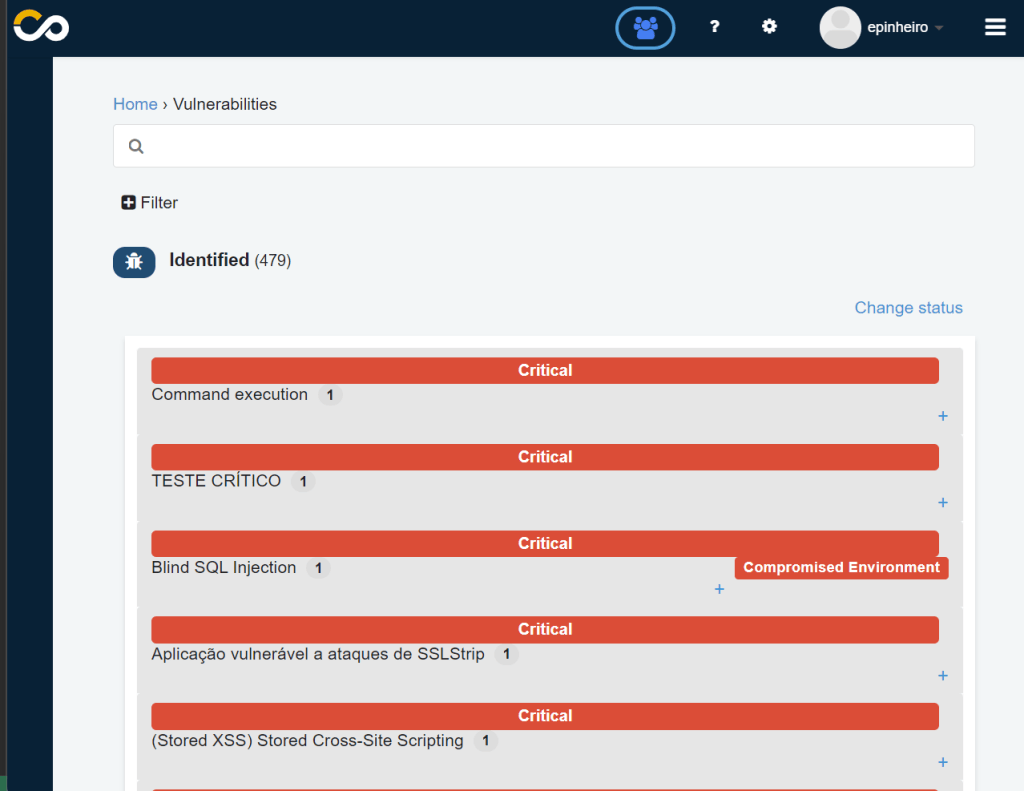
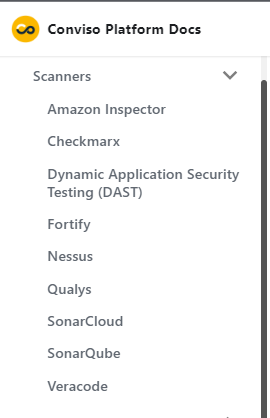
In the case of automatic code analysis tools (SAST), it is worth mentioning that it is provided by the Secure Pipeline - a product within the Conviso Platform. However, each pipeline can have its supplier. By the way, did you know that Conviso Platform offers, in addition to ASTs orchestration, integration with the main market solutions?
The logic that we will use to perform the analysis is based on the following premises:
Therefore, we can say that if we find a vulnerability in the application, it means that we are not applying the proper control! Therefore, the vulnerability-related requirement is not implemented.
This is not to say that if we don't find vulnerabilities, we are in compliance with the requirement. After all, this is only true for ASVS Level 1 requirements.
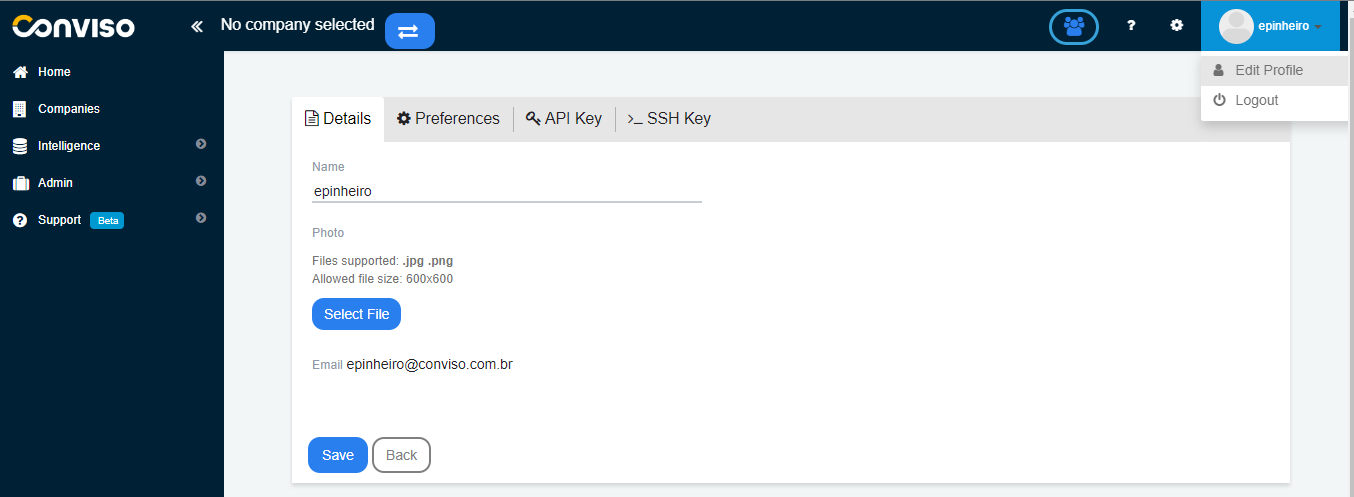
Step 1: Get credentials - API Key
To be able to use the API, we need the credential. This is done by the API key.
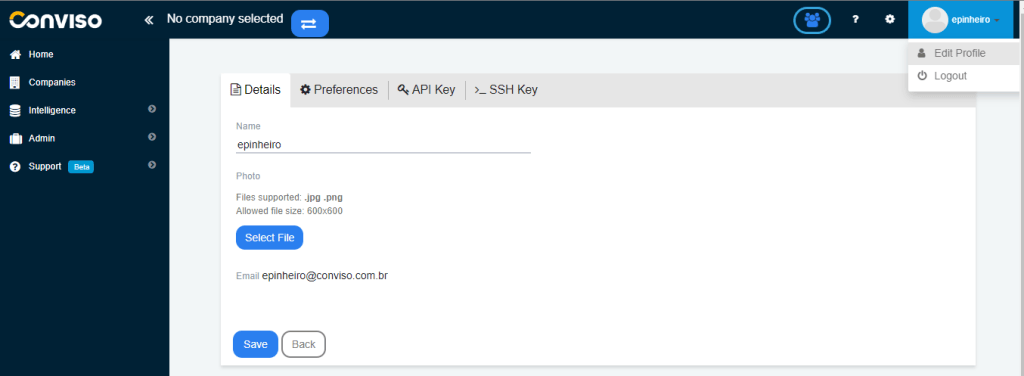
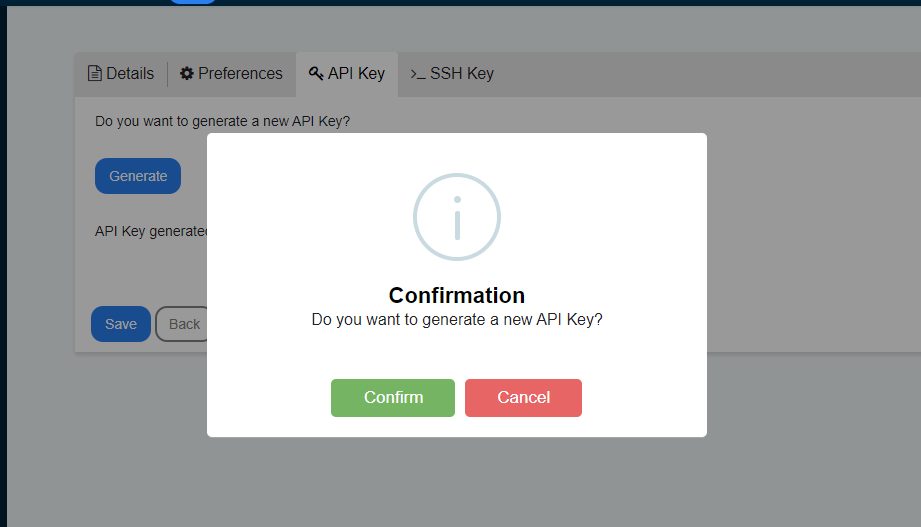
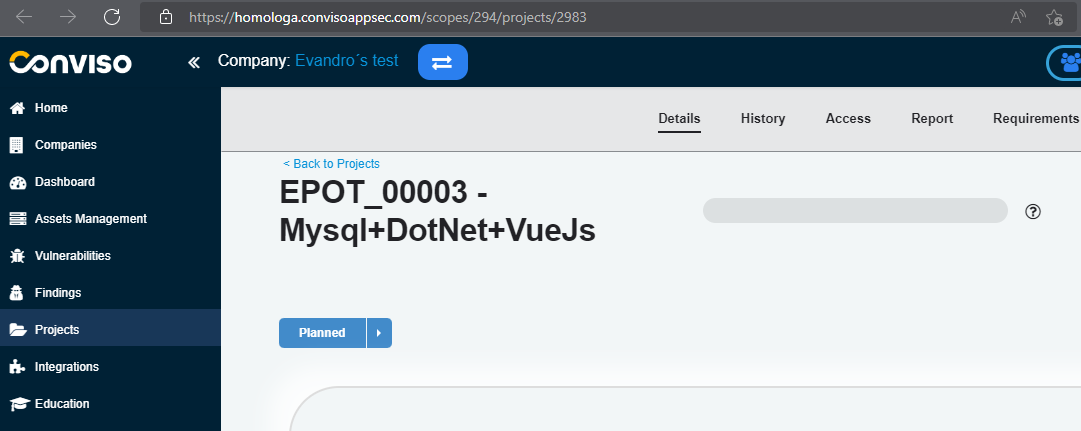
Step 2: Getting the project and company identification
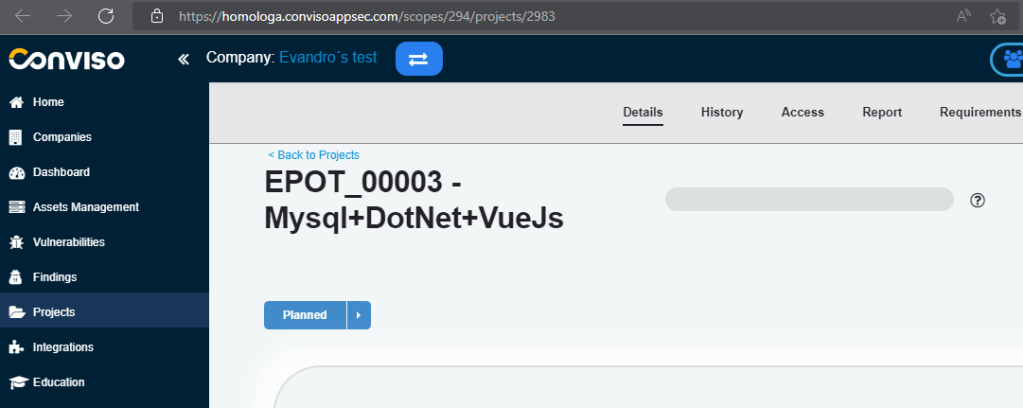
In the example of the image above the project code is 2983
And the company code is 277
Step 3: Running the script
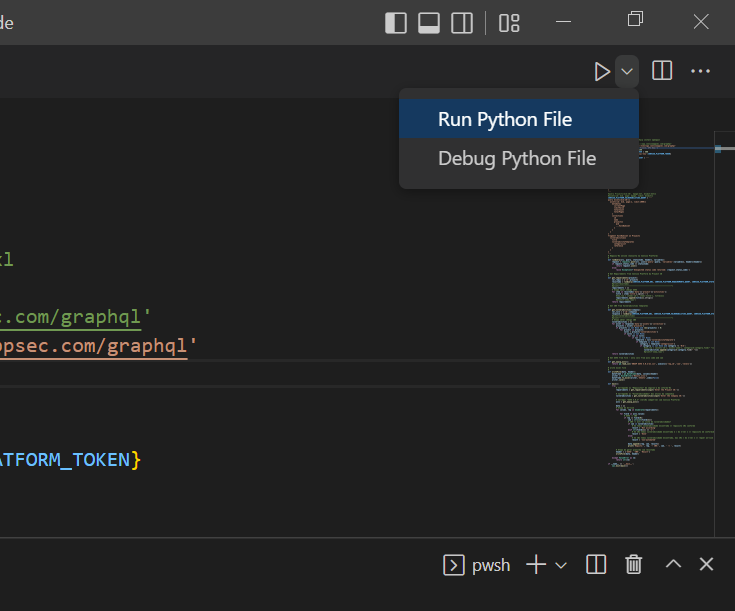
It's time to use our Python script!
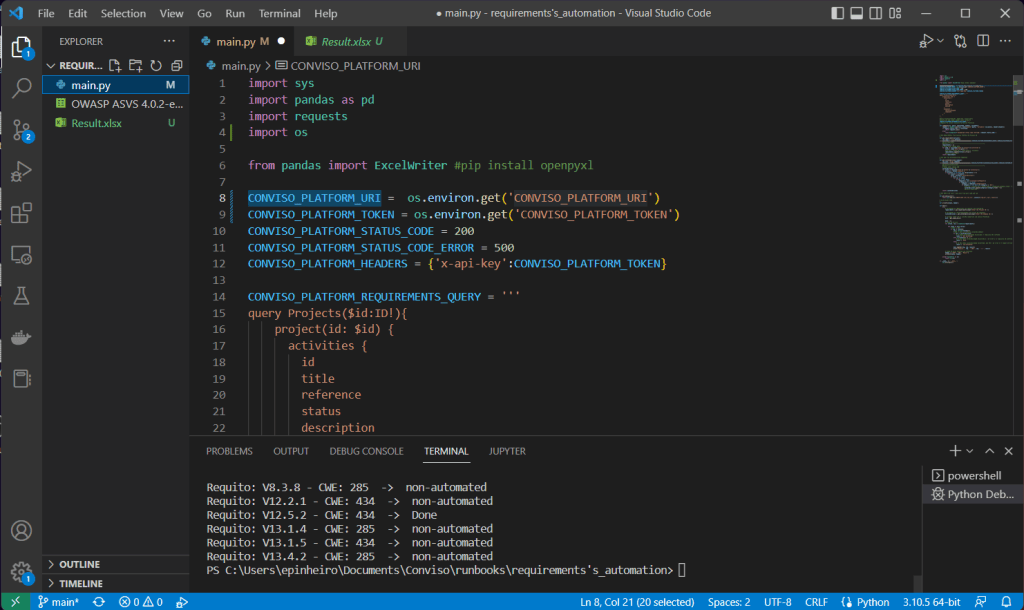
Notes: Validate the environment URL according to the use that will be made! See CONVISO_PLATFORM_URI
pip3 install pandas
pip3 install requests
pip install openpyxl
Step 4: Interpreting the result
The result is available in the "Result.xlsx" file:
The possible outcomes for the requirements will be:
Requirements that do not have related CWEs are not included in the analysis.
We will also pass on some information that can be useful in the process of customizing or maintaining the script or even performing the analysis manually.
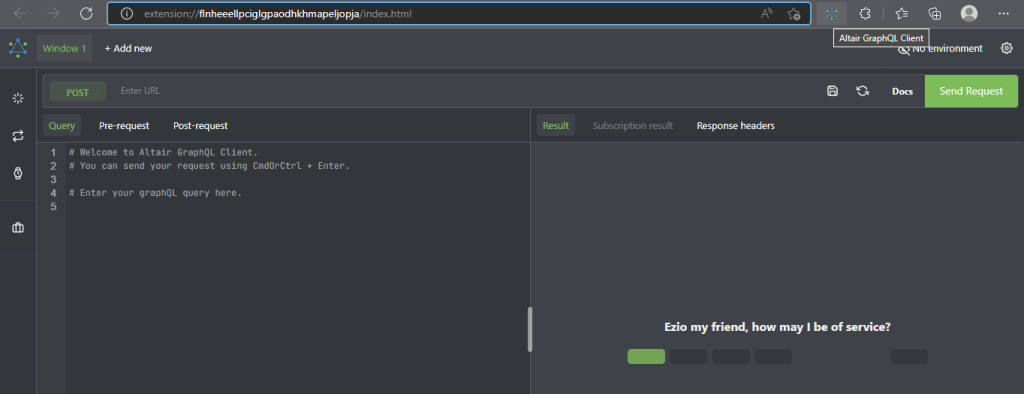
Using client Graphql, Altair to consume API from the Conviso Platform - Install the Altair GraphQL Client extension in the browser:
Altair is a GraphQL client for all platforms. We will use the browser extension. However, there is still a desktop option. Just as another GraphQL Client can be used.
Check the guidelines:
Get requirements via API
x-api-key: {{API_KEY}}
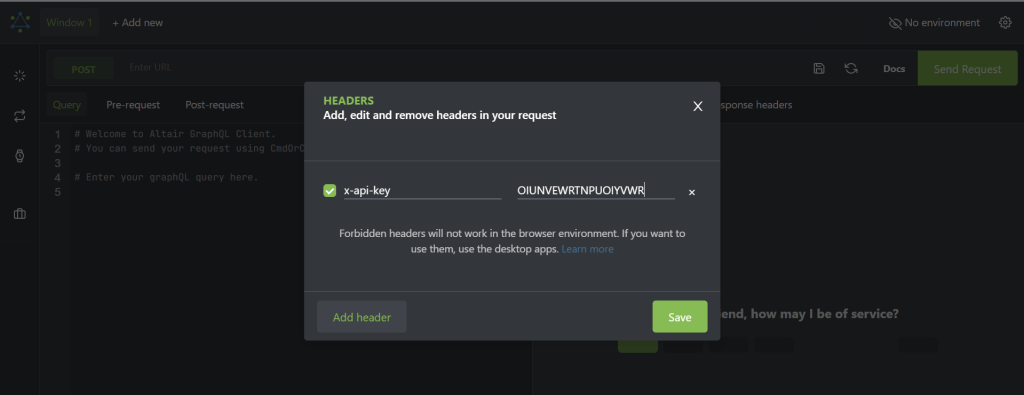
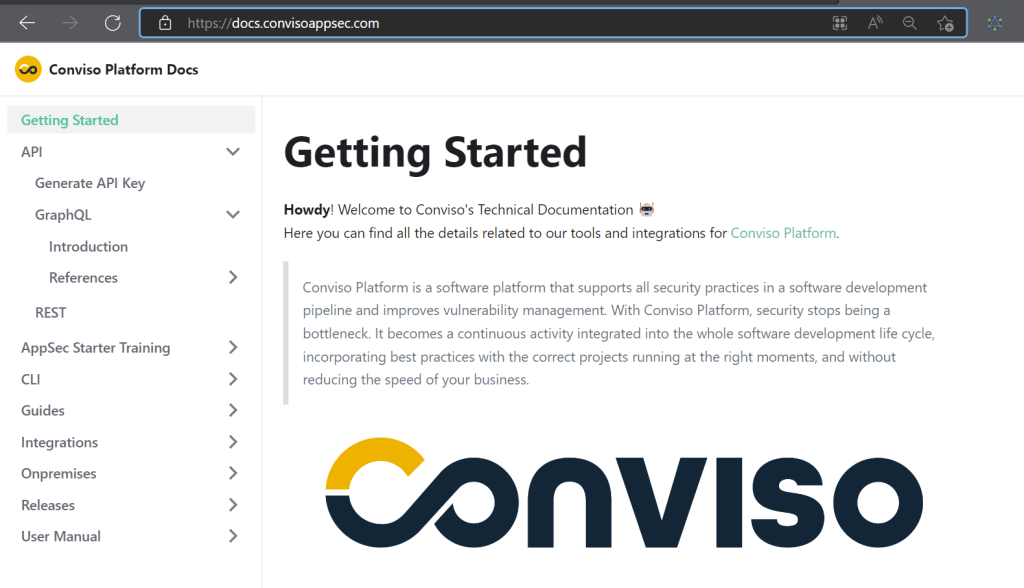
For more information on using Conviso Platform APIs, see our documentation at: Getting Started | Conviso Platform Docs (convisoappsec.com).
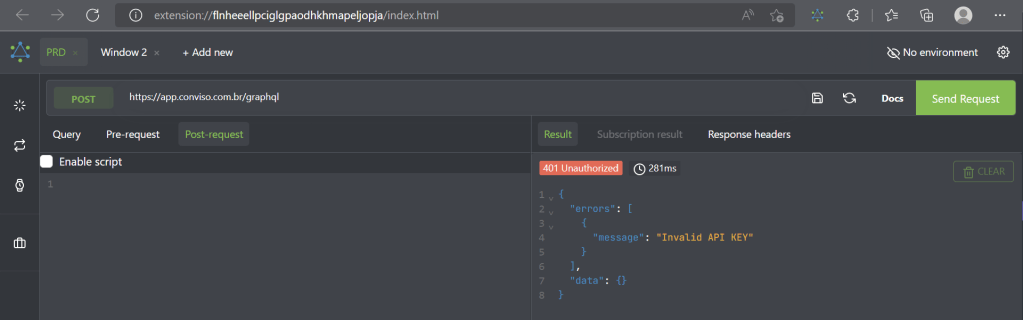
However, if everything’s ok, the answer will be:
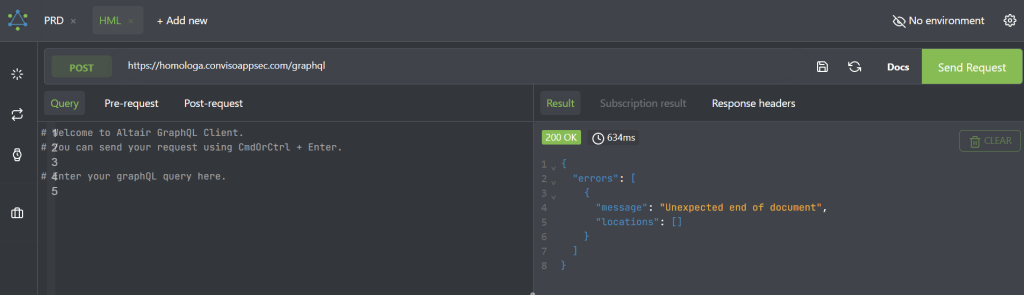
{
  project(id: 999) {
    activities {
      id
      title
      reference
      status
      description
      justify
    }
    playbooks {
      checklistTypeId
      companyId
    }
  }
}
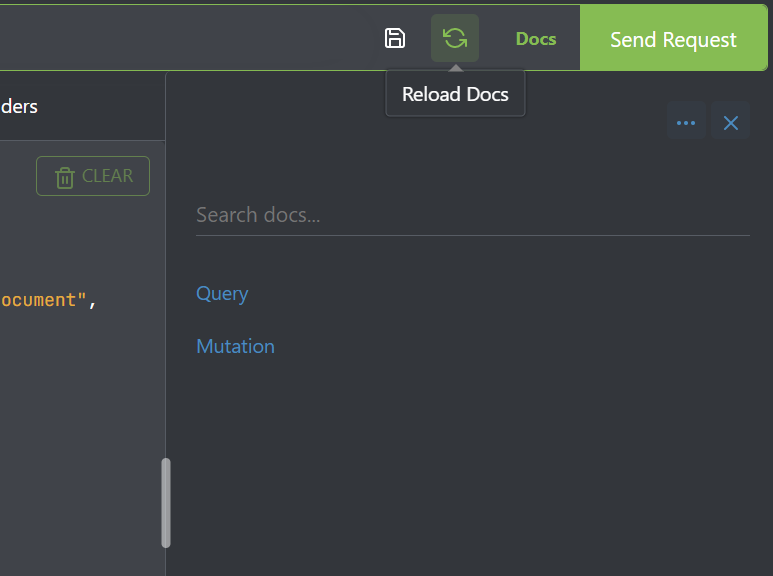
To consult the API’s documentation, make sure to access the “Docs” and “Reload docs” menu:
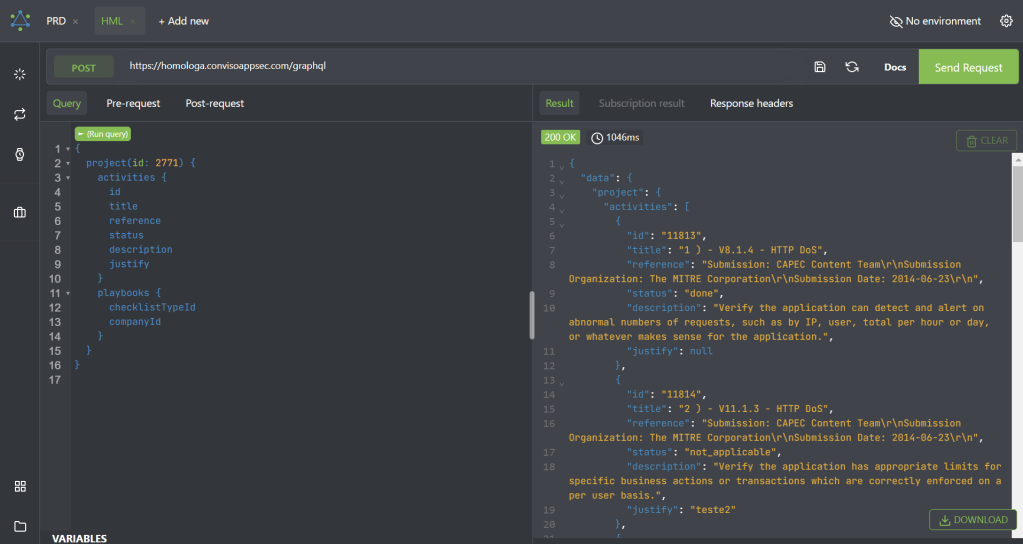
The result can be manipulated in a spreadsheet, or with scripts in Python, as we chose to do - in an automated way.
    assets(id: 999, page:1, limit:1000){
    metadata{
      currentPage
      limitValue
      totalCount
      totalPages
    }
    collection{
      id
      name
      projects{
        pid
        ...VulnByAsset
      }
    }
  }
}


fragment VulnByAsset on Project{
  vulnerabilities{
    title
    vulnerabilityTemplate{
      categoryList
      reference
    }
  }
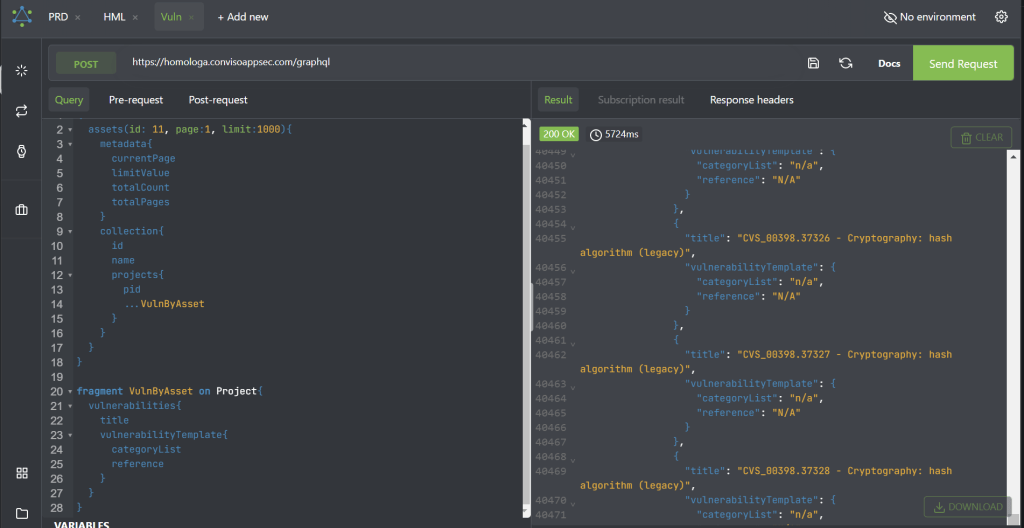
Once again, we remind you that these results can be manipulated in a spreadsheet or with scripts in Python, as we did in an automated way.
In this process, we used the OWASP Application Security Verification Standard (ASVS) worksheet in version 4.0.2. because it is the version that Conviso Platform uses in the logic to generate the requirements. It is currently available via the link:
The logic employed, as can be seen in the script, is that the ASVS code of the requirement goes to the ASVS spreadsheet and gets the corresponding CWE code to compare with the vulnerabilities found. We can apply this in a worksheet with VLOOKUP.
You can save a lot of time in ASVS Level 1 requirements analysis with this automation. Remembering that, for this, the static analysis needs to be running on the application's assets. Thus, the analyst is able to focus on the requirements that actually need manual validation.
In addition to performing this automation, we also show how easy it is to use Conviso Platform's GraphQL API for evolution and customization according to the needs of your treadmill. Therefore, we also invite you to contribute to the community in our public repository on Conviso Lab's GitHub. And stay tuned - lots of good news to come!

Próximo passo