Vulnerabilities
Introduction
The Vulnerabilities area is the main workspace for reviewing security issues identified across applications, infrastructure, and software supply chain components.
From this page, teams can:
- review open vulnerabilities;
- investigate occurrences and evidence;
- track remediation progress;
- update statuses when needed.
Accessing Vulnerabilities
To access vulnerabilities:
- In the left navigation menu, click Vulnerabilities.
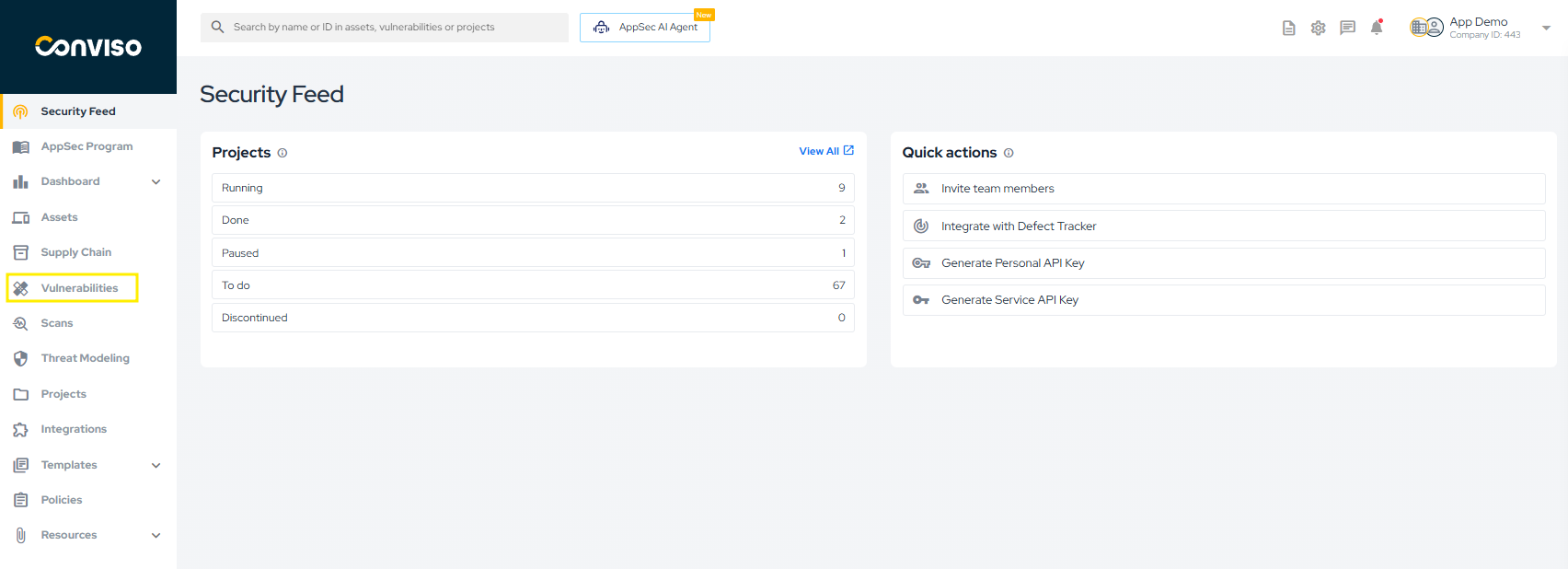
- The platform will display the vulnerability list for your company.
note
By default, the view lists open vulnerabilities, including statuses such as Created, Identified, In Progress, and Awaiting Validation.
What You Can Do in This View
In the vulnerability list, you can:
- apply quick and advanced filters;
- open grouped occurrences for more detail;
- review technical evidence, timeline, and metadata;
- update vulnerability statuses;
- follow remediation and validation progress.
Learn More
For the complete vulnerability management documentation, see:
For AI-assisted capabilities available in this workflow, see:
Contribute to the Docs
Found something outdated or missing? Help us improve the documentation with a quick suggestion or edit.
How to contribute